Selling Property to Buyers Abroad: Why Language and Currency Matter
Buyers from abroad rarely complain. They just leave. Here is how language, currency and what happens after the click decide cross-border sales.
 Imobria team · 3 min read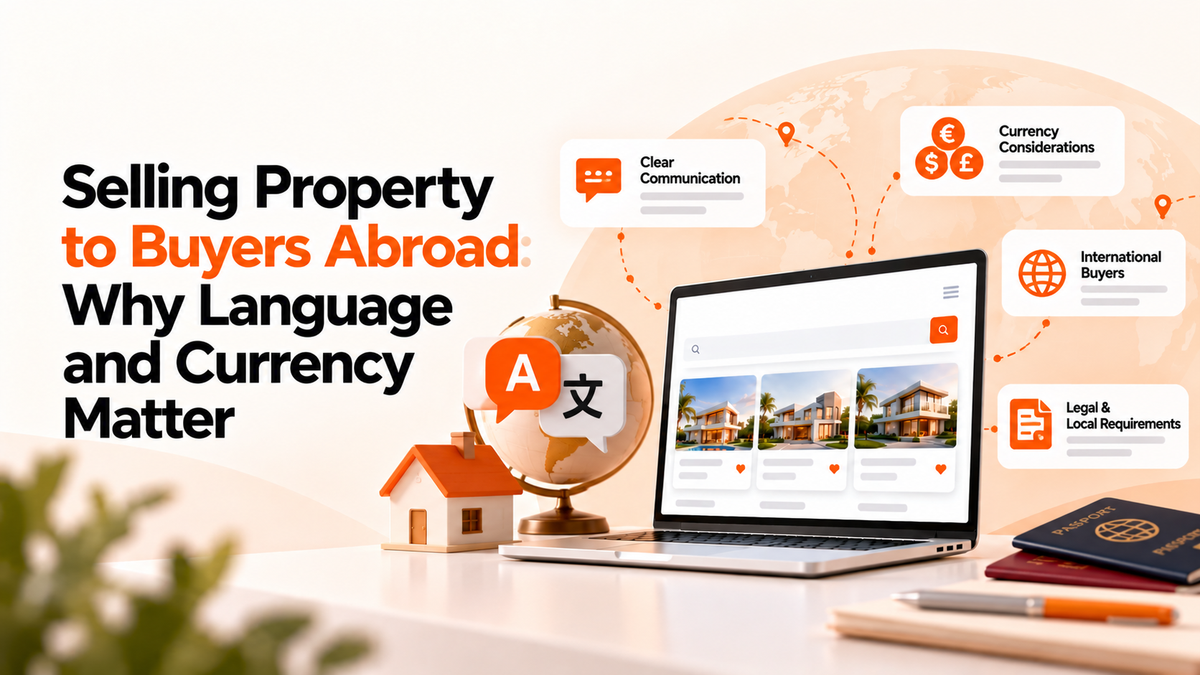
You are on holiday, hungry, and the menu is only in the local language. There are no pictures. You point at something halfway down and hope.
Sometimes it works out. More often you cross the road to the place with a menu you can read.
Buyers from abroad do the same with property sites. The good news is that the fix starts with a few deliberate choices, not a rebuild.
Why cross-border buyers leave quietly
A buyer looking in another country is already taking a leap: a new market, new rules, new paperwork. Every bit of extra effort adds to that.
If the listing is in a language they read slowly, they skim. If the price is in a currency they do not think in, they open a converter in another tab. If the inquiry form insists on a phone format they do not have, they give up.
None of them write to tell you. They just cross the road.
Language is about trust, not just words
Translating the buttons is the easy part. What builds trust is the content: the description, the costs of buying, and above all the reply to their first message.
A machine translation of a listing can be a decent start. A human reply in the buyer's language is what usually keeps them.
That is why agencies with foreign buyers often start with people: agents who speak the languages of their main markets, and a simple way to reach them.
Currency is about confidence
A price in an unfamiliar currency forces mental arithmetic on every listing. An approximate price in the buyer's own currency helps them shortlist.
It needs care, though. Rates move, so a converted figure is a guide, not a promise, and the legal price stays in the local currency. Say so clearly on the page.
The bigger money questions come later: deposits, fees and transfers across borders. Plan those with your lawyers and banks, not just your website.
The parts that matter after the click
Say a buyer has found a listing they like and sent a message. What happens next matters more than the language of your homepage.
- They reach you the way they like. For many international buyers that is WhatsApp, or email at odd hours because of time zones.
- Someone answers who can help. Route each inquiry to the agent who speaks their language or knows their market.
- Viewings work at a distance. Clear times, confirmed in writing, often planned around one short trip.
- Paperwork works at a distance too. Documents they can sign without flying in.
Get these right and a buyer will forgive a menu that is only half translated.
What Imobria does and does not do here
Plainly: Imobria does not translate listings or convert prices between currencies. If either is a must-have for your market, tell us. Any client can request features, requests go into the shared core, and updates ship monthly.
What Imobria does cover is the part after the click:
- Ticketing brings web forms, email and WhatsApp Business into one inbox, so a message sent at midnight from another time zone is waiting for the right person in the morning.
- The CRM keeps the full history of each buyer, and you assign inquiries to the agent best placed to answer.
- Calendar and viewings, connected to Google Calendar or Outlook, keep a buyer's trip organized.
- Documents and e-signing let buyers sign from wherever they are.
- Transaction management keeps every step of the deal visible to your team.
All of it runs under your own brand, on a platform hosted in Europe.
Start with your top markets
You do not need every language on day one. Look at where your inquiries already come from, pick the one or two markets that matter most, and serve those buyers properly from first message to signature.
Then add the next one.
The menu gets them through the door. The service is why they stay.
If you sell to buyers abroad, book a demo and we will show you how the inquiry-to-signature part works. Growing into new countries yourself? Read how to expand an agency into new countries.
Find the right Imobria for your business
Compare products, setup scope and listing plans.
View pricing