A Launch Checklist for Your White-Label Property Marketplace
Launching goes smoothly when the boring parts are ready first. Here is the checklist, in order, with the traps most teams walk into.
 Imobria team · 3 min read
Launching a platform is a bit like moving house. The truck is never the problem. The problem is that you have not packed the kitchen.
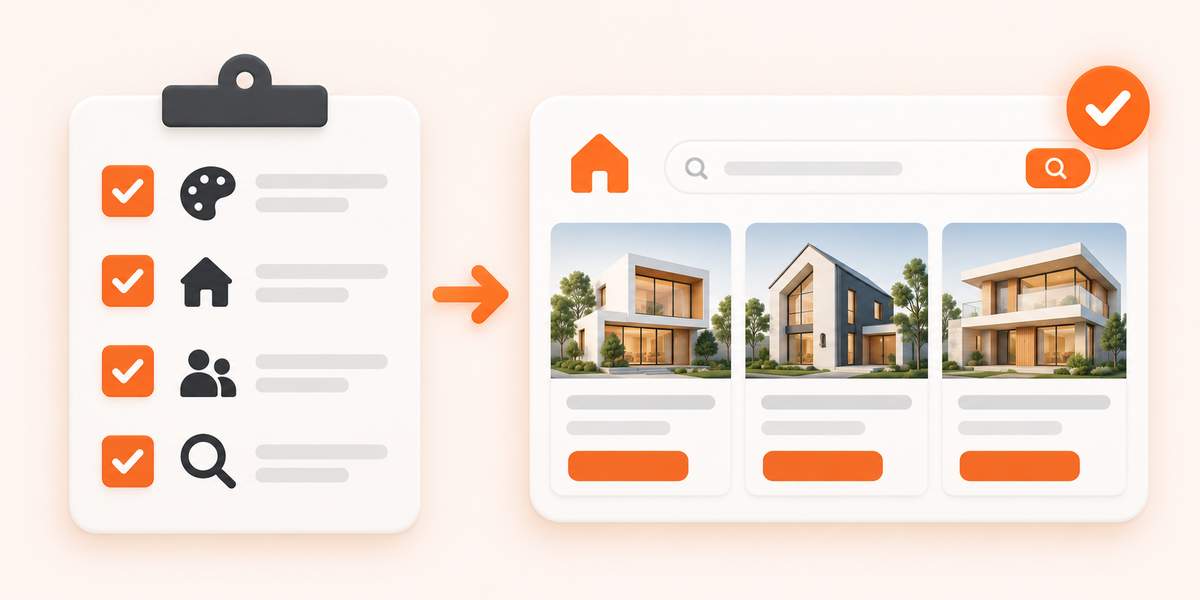
This checklist is the packing list. Work through it in order, and your launch will feel boringly smooth, which is the best kind.
Before the kick-off call
Gather these in one folder. Seriously, one folder.
- Your logo files, in vector format if you have them
- Your brand colors and fonts
- Two or three websites you love (and one you do not)
- A list of the tools you use today: email, calendar, WhatsApp, accounting
- A rough list of who will use the platform, and what each person needs to do
The trap: assets scattered across inboxes. Ten minutes of gathering now saves ten days of waiting later.
Step 1: Agree the scope
Decide which modules you need on day one and which can wait. You do not need all thirteen on launch day. You can switch the rest on later, yourself, from the admin panel.
The trap: trying to launch everything at once. Launch what hurts most first.
Step 2: Settle your brand
This is where your theme is designed around you: your colors, your type, your logo, your tone.
The trap: too many opinions. Choose one person to say "yes, that is us."
Step 3: Set up your domain and your sender
Your platform runs on your own domain, and the emails it sends go out under your brand. That means DNS settings and a sender address, which means the person who holds those keys.
The trap: discovering mid-project that the domain belongs to a former employee.
Step 4: Bring your data
Listings, contacts, agents. Decide what comes across and what stays behind. A tidy spreadsheet beats a clever import every time.
The trap: moving every record because "we might need it." You probably will not.
Step 5: Set roles and permissions
Who sees what? Owners, branch managers and sales agents usually need different views. Decide this on paper before you click anything.
The trap: giving everyone access to everything on day one, then trying to tighten it later.
Step 6: Connect your tools
WhatsApp Business, your calendar, your accounting tool, your own website if you have one. Each one needs a login from the right person.
The trap: leaving this until the last day.
Step 7: Test it like a customer
Send yourself an inquiry. Book a viewing. Sign a test document. Do it on a phone, because that is what your customers use.
The trap: testing only the happy path. Try the awkward one too.
Step 8: Go live, then watch
Switch over, tell your team, and keep an eye on the first few days. The first week teaches you more than the whole project did.
After launch
Security patches, bug fixes and agreed updates are part of the service, and you can ask for features anytime. Requests go into the shared core, larger changes are scoped and quoted, and you decide which new things to switch on.
If you are not sure where you stand on this list, book a demo and we will go through it together. Curious about timing? How long does a launch take? explains what really sets the pace.
Find the right Imobria for your business
Answer four quick questions and we'll recommend Agent, Agency or Marketplace.
Find your product