Lead Generation for Estate Agents: Answer the Doorbell Before You Buy More Traffic
Most agencies do not have a traffic problem. They have a catching problem. Here is how to turn the inquiries you already get into booked viewings.
 Imobria team · 3 min read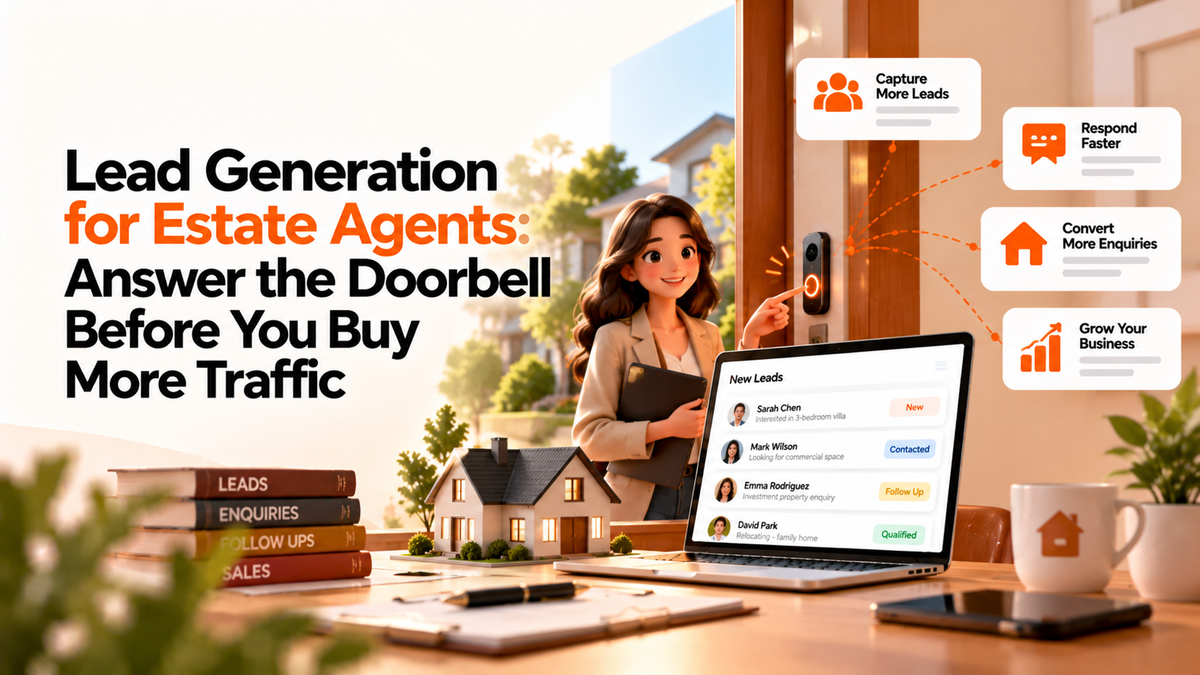
A buyer finds one of your listings on a Sunday evening. They like it. They send a message.
Then they wait. Your office opens on Monday, the message sits in a shared inbox, and by Tuesday they have booked a viewing with someone else.
You did generate that lead. You just did not catch it.
More traffic is not the first fix
Most lead generation advice starts with getting more people to your door: ads, social posts, portals, referrals. All useful.
But think of your agency as a house with a doorbell. Traffic is people walking down the street. A lead is someone who rings. If the bell is hard to find, or nobody answers, more passers-by will not help much.
So fix the doorbell first. Then invite the street.
Make the bell easy to ring
Every listing page should make the next step obvious. A buyer should never have to hunt for it.
- A short inquiry form, with only the questions you actually need
- A way to message you on WhatsApp, because plenty of buyers prefer it to a form
- A clear way to ask for a viewing
- A phone number that someone answers
Every extra field is a reason to give up. Ask for a name and a way to reply. You can learn the rest in conversation.
Hear it wherever it rings
Buyers do not care which channel you prefer. They will email, fill in a form, send a WhatsApp late at night or reply to an old thread.
If each of those lands in a different place, someone has to check all of them. Usually that someone is busy.
The fix is one inbox for every channel, where each inquiry becomes a ticket with an owner. Nobody has to remember to look in four places.
Answer before they walk away
Speed matters more than polish. A quick, human "yes, it is still available, when would you like to see it?" beats a perfect reply tomorrow.
A few habits help:
- Assign every inquiry to a person, by listing, area or rota. "Someone will get it" means nobody will.
- Send an automatic acknowledgement, so the buyer knows they were heard, then follow with a real reply.
- Offer viewing times straight away, instead of a round of "when suits you?"
- Make follow-up a task, not a memory. If the buyer goes quiet, the system should nudge the agent.
Remember who rang
A lead who does not buy this flat may buy the next one. That only works if you remember them.
Keep every contact in a CRM, with what they asked about, what they viewed and what they said. Note where each lead came from, so you can see which channels bring viewings and which only bring noise.
Then you can spend money on the channels that work. That is the part of lead generation everyone wanted to start with.
How this works in Imobria
Imobria puts the doorbell and the address book in the same place. Inquiries from web forms, email and WhatsApp Business arrive in ticketing, linked to the contact in the CRM and to the listing they asked about. You assign them to agents, and workflows and automations can send the first acknowledgement or create the follow-up task.
Viewings go into the calendar, which connects to Google Calendar or Outlook. Analytics shows where inquiries come from and what happens to them next.
All of it runs under your brand, on your branded marketplace or through the API behind your own website.
Start with one test
Tonight, send an inquiry to one of your own listings from your personal phone. Note how long the answer takes, and who gives it.
That one test will tell you more than any traffic report.
Catch the leads you already have before you pay for new ones.
If you would like to see every channel in one inbox, book a demo. For the bigger picture of owning your channel, read why agencies are building their own portals.
Find the right Imobria for your business
Compare products, setup scope and listing plans.
View pricing