Choosing a Real Estate CRM for Your Agency: What Actually Matters
The CRM with the most features is not the one that helps. The one your agents open every morning is. Here are the jobs that count, and what to ask.
 Imobria team · 3 min read
Monday morning. Your agency pays for a CRM. Your best negotiator keeps her contacts in a notebook, her phone and her head.
Nobody planned it that way. The CRM was just one more place to type things, and she had viewings to get to.
If that sounds familiar, here is the good news: the fix is rarely a CRM with more features. It is one with less friction.
A CRM is a gym membership
Paying for a gym does not make anyone fit. Going does.
A CRM works the same way. The longest feature list does nothing if your agents skip it. The plain one they open every morning wins.
So the real question is not "which CRM does the most?" It is "which one will my team actually use?"
Four jobs that matter
Strip away the brochure and an agency CRM has four jobs.
- Catch every inquiry without anyone typing it in. Web forms, email and WhatsApp should land as records, not as messages someone means to copy across later.
- Put the right person on it. Assign by agent, branch or listing, so nothing sits in a shared inbox hoping to be noticed.
- Keep the whole history in one place. Calls, messages, viewings, offers. Whoever picks up the contact should see the story so far.
- Remind people what comes next. A follow-up task that appears on its own beats good intentions.
Everything else is useful. These four are the workout.
Why a CRM on its own is not enough
Here is where many agencies get stuck. The CRM holds the people. The listings live somewhere else. Viewings sit in a calendar, contracts in email attachments, invoices in an accounting tool.
Each system is fine. The gaps between them are where leads go cold.
An agent sees a buyer's name but not which flat they asked about. A manager sees a deal closed but not whether the invoice went out. Someone copies data from one screen to another, and copies it slightly wrong.
A gym with the weights in one building and the changing rooms across town is still a gym. Just not one you will visit often.
Questions to ask before you choose
Take these into every demo, including ours.
- Does an inquiry from a listing page arrive already linked to that listing?
- Can a branch manager see their own branch, and only that branch?
- Is every change logged, so you can see who did what?
- Does it connect to the tools you already use, such as Gmail, Outlook, Google Calendar or Slack?
- What happens to the bill when you hire three more agents?
- Can you get your data out if you ever leave?
If an answer needs a follow-up call, write down why. That is usually where the friction lives.
How Imobria approaches it
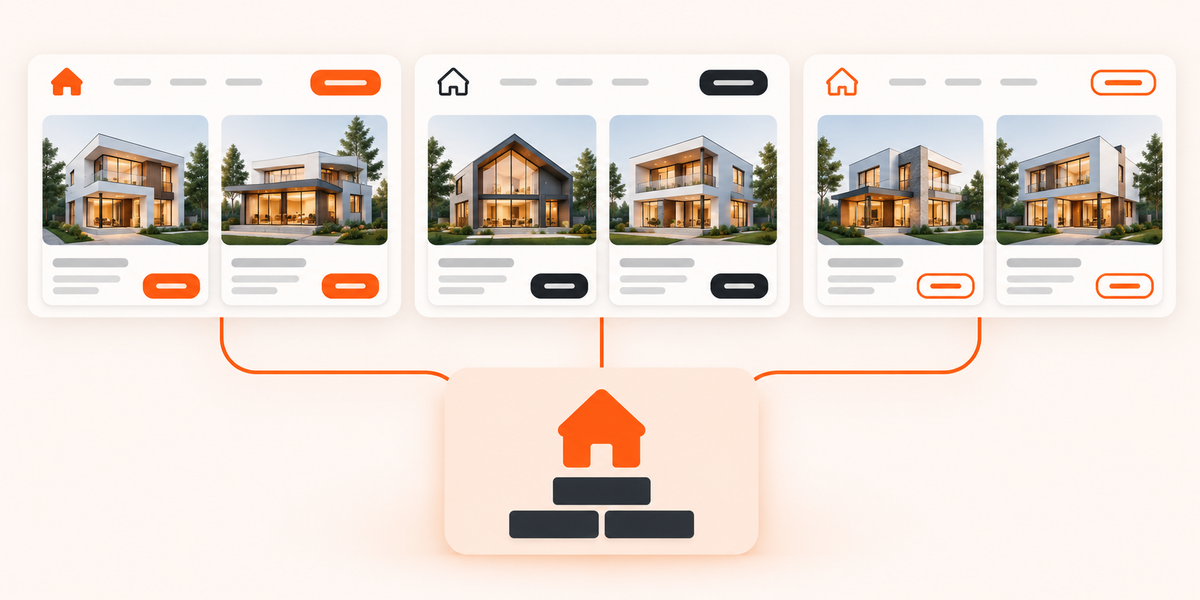
In Imobria, the CRM is one module of a shared platform, not a separate product bolted on. Contacts, listings, inquiries, viewings, transactions, documents and invoices share one set of data.
In practice, a WhatsApp message about a listing lands in ticketing, linked to the contact and the listing, and goes to an agent. The viewing goes in the calendar. When an offer is accepted, the transaction, the e-signed documents and the invoice hang off the same records.
Roles decide what agents, branch managers and admins can see. Workflows and automations handle the reminders. And because pricing is based on active listings, with all users included, hiring an agent does not add a line to the bill.
It all runs under your own brand, and you switch modules on and off yourself.
Start with your Monday morning
Before comparing anything, follow one inquiry through your agency today. Count the places it gets typed. That count is your real requirements list.
The right CRM is the one your agents open without being asked.
If you would like to see that Monday morning on one screen, book a demo. Thinking about the wider toolkit? Seven features a modern property portal needs is a good next read.
Find the right Imobria for your business
Compare products, setup scope and listing plans.
View pricing