Seven Things a Modern Property Portal Needs (and What It Can Skip)
Fancy extras are fun in a demo. Seven basics decide whether a portal actually works for the people running it. Here is the list, and the temptations to resist.
 Imobria team · 2 min read
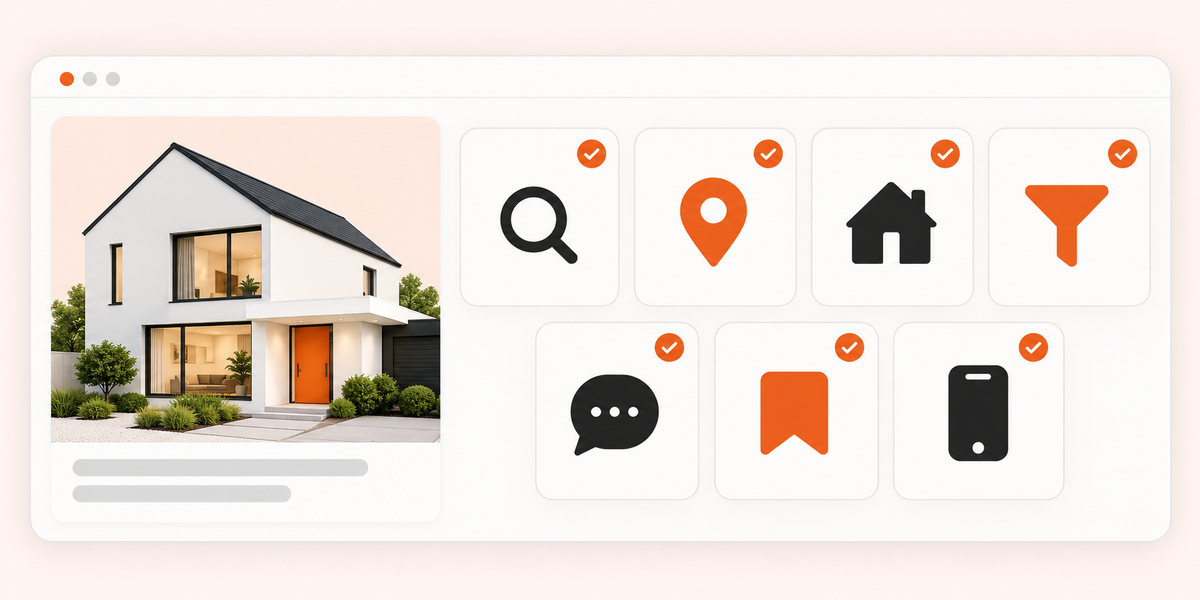
Demos love shiny things. Spinning maps, chat bubbles that wave hello, animations that make everybody say "ooh."
Real portals live or die on duller things. Did the inquiry arrive? Did the agent see it? Did the viewing happen? Here are seven basics that matter, in roughly the order a visitor meets them.
One connected
property journey.
1. Listings that are easy to keep fresh
A portal is only as good as its newest listing. If updating a price takes six clicks, prices will be wrong by Friday.
What good looks like: one place to add, edit and retire listings, with the website following automatically.
2. Inquiries that land somewhere
A visitor may write through a web form, an email or WhatsApp. They do not care which. You should not have to either.
What good looks like: every channel arriving in one place, as one conversation, assigned to a person.
3. Viewings that do not live in someone's head
"Can we see it Thursday?" sounds simple until three agents and two calendars get involved.
What good looks like: viewings booked into a shared calendar, with the listing and the person attached.
4. A CRM that remembers
The woman who asked about a two-bed last spring is the same woman asking about a three-bed now. Someone should know that.
What good looks like: one history per person, across listings, messages and deals.
5. Mortgage tools in reach
Buyers get stuck at the money question. If the portal can connect that conversation, fewer deals stall there.
What good looks like: mortgage steps connected to the deal rather than handled in a separate email chain.
6. Documents and invoices that follow the deal
Contracts, signatures, invoices: this is where most deals slow to a crawl.
What good looks like: documents signed electronically, and invoices sitting next to the transaction they belong to.
7. Analytics that answer questions
"How many inquiries did we get?" is a number. "Which listings turned into viewings, and which ones just got looked at?" is a decision.
What good looks like: simple views you can check in a minute, not a report you have to schedule a meeting about.
And a few things it can skip, at first
- Bells that do not ring. A feature nobody asked for adds support questions, not sales.
- Everything at once. Start with the modules you need. A good platform lets you switch the rest on later.
- Rebuilding what exists. Every month spent on a calendar or a contact form is a month not spent on what makes you different.
The pattern behind the list
Look at the seven again. Not one of them is about how the portal looks. All of them are about what happens to people after they find you.
Imobria covers this list with one connected set of modules, shared data and your own brand on top. Book a demo and see how the seven fit together. Weighing options? White-Label or Custom? is a good next read.
Find the right Imobria for your business
Answer four quick questions and we'll recommend Agent, Agency or Marketplace.
Find your product